Figma Community ↗
Find a layout reference. Pick two specific choices you want to learn from, such as spacing or navigation. Check the resource’s usage terms.
DESIGN STUDIO
Visual inspiration, practical design guidance and assets for your project.
Colour. Type. Imagery. Bring your agent a visual direction, then turn it into something people can use.
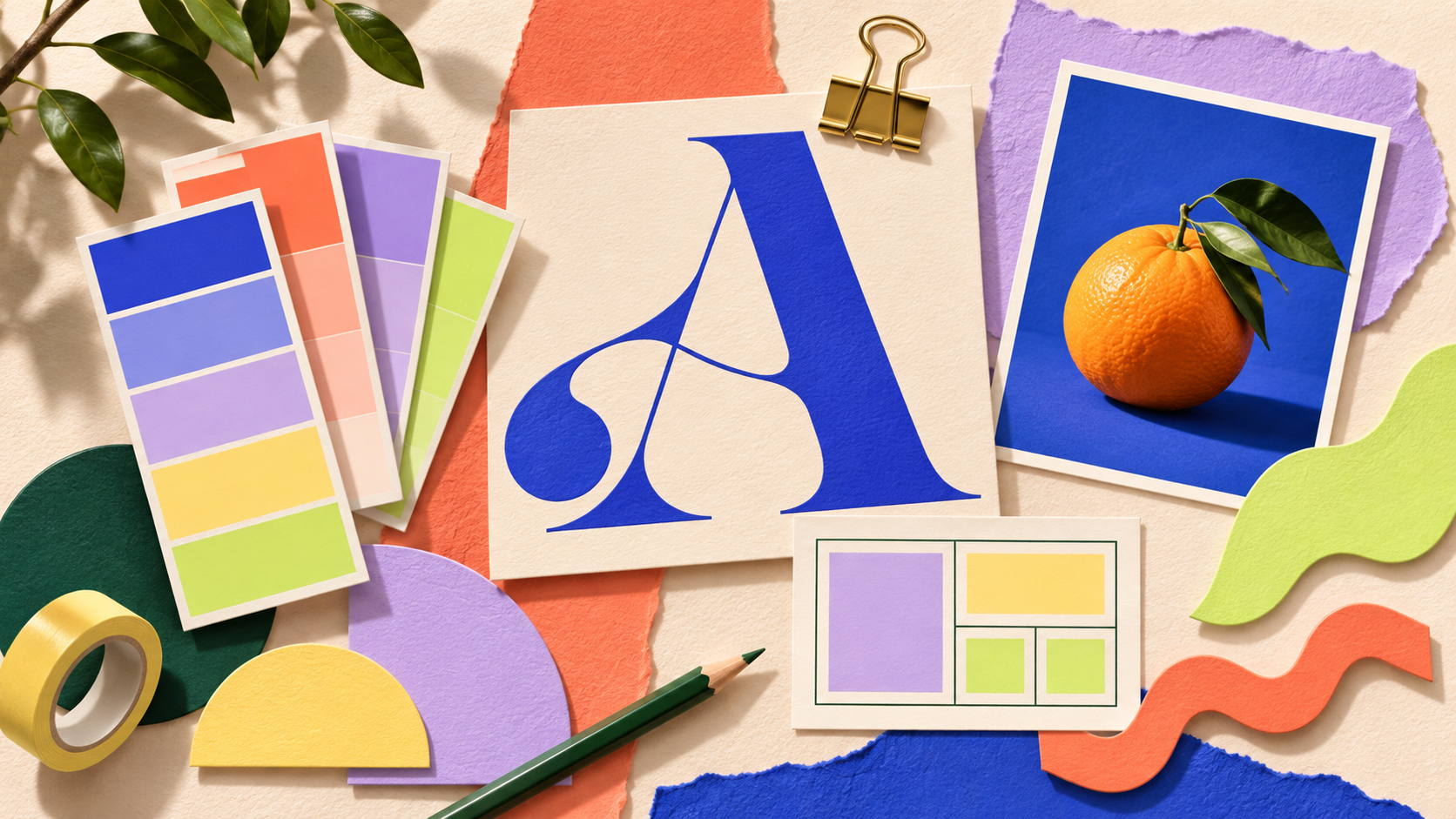
Tap a swatch to copy its hex code, then test your text and background contrast.
Find a layout reference. Pick two specific choices you want to learn from, such as spacing or navigation. Check the resource’s usage terms.
Choose readable type for headings and body text. Give your agent the font names and explain where each should be used.
Test your text and background colours. Record the result, improve weak combinations and test again.
Choose assets that help explain your idea. Keep their source links in your experiment log and check the terms for each asset. The previews below are illustrative examples, not downloads from the linked libraries.
Find consistent SVG icons for navigation, features and actions. Keep the same size and stroke style across your design.
Usage & licence ↗Find a relevant photo for your page or presentation. Choose images that support the message and record the photographer and source.
Usage & licence ↗Choose an illustration and adapt its accent colour for your design. Use the provider’s download options for your project.
Usage & licence ↗A fill-in template for your audience, colours, fonts, assets, prompt and verification checklist.
Design [page / poster / presentation] for [audience] so they can [main action]. Use this reference for [specific visual choices]: [link or image]. My content is [content]. Use [fonts and colours], clear hierarchy and readable contrast. Explain your design decisions. Give me a checklist to verify the result, including mobile layout when relevant. Do not copy another brand’s identity or invent claims.
Design is one possible experiment. You can also explore research, analysis, writing, automation or testing. Open the course labs for more ideas ↗